
# Blue Wallet (LND Hub)
The first step to using Blue Wallet with your MyNode is enalbling LND Hub. The can be done by clicking the "Enable" button underneath the LND Hub icon on the main page.
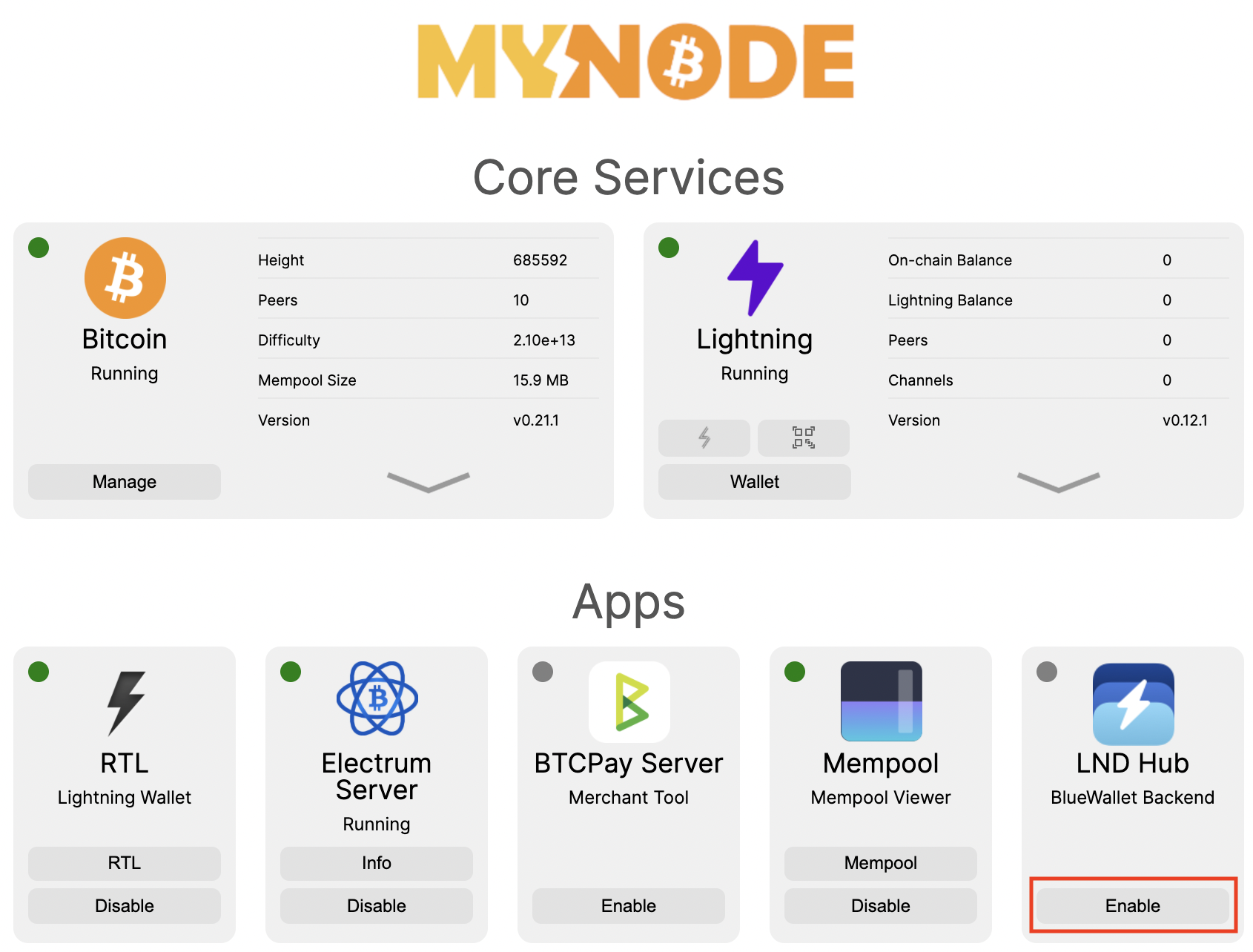
Next, you can click on the "LND Hub" button and view the LND Hub web interface. This is not required.
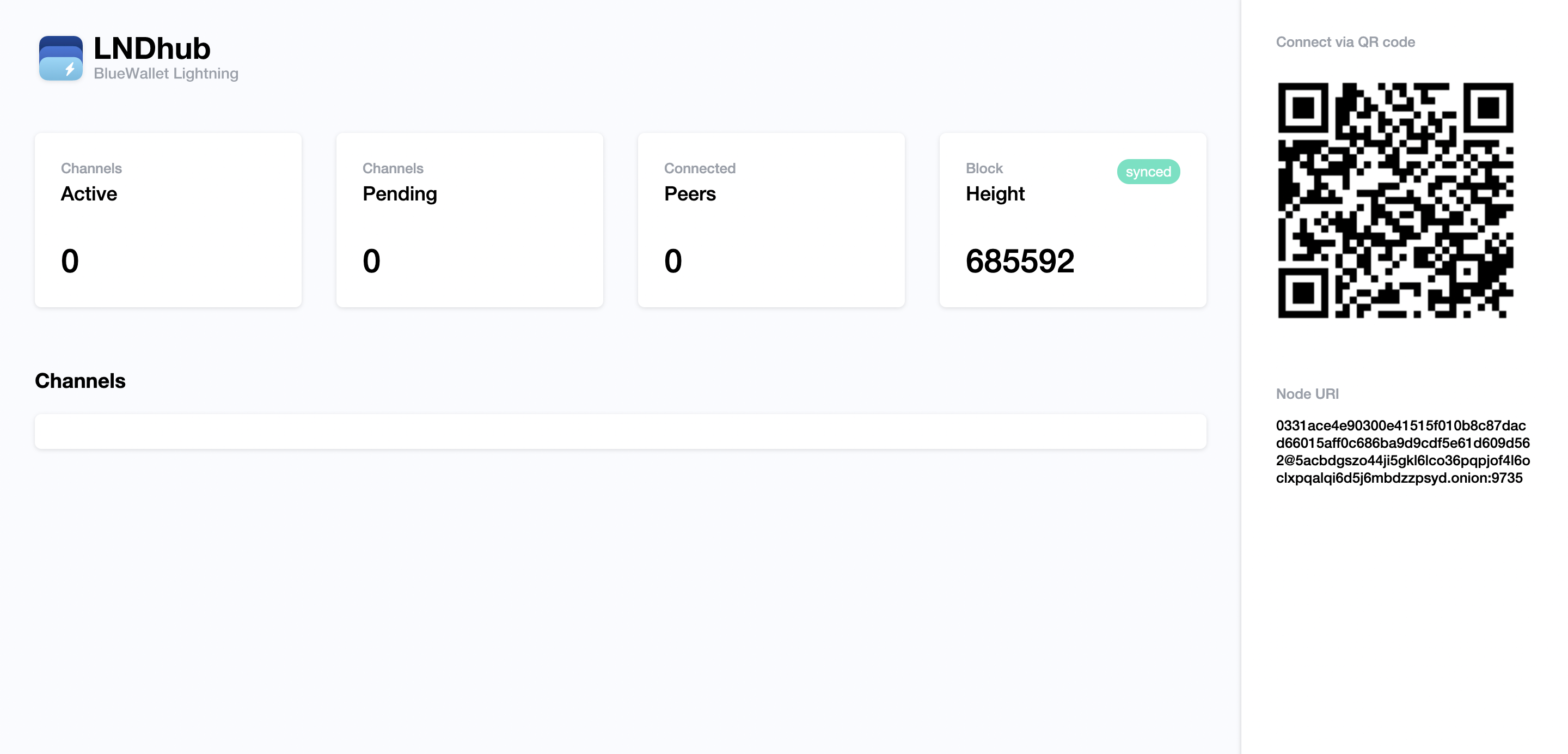
Now that LND Hub is running, install Blue Wallet on your mobile device and connect it to your MyNode!
From the mobile wallet, click on the settings icon and then click on Lightning Settings. On this screen, enter the URL to your MyNode device on port 3000 and click Save. Alternatively, you can scan a QR code according to the pairing instructions.
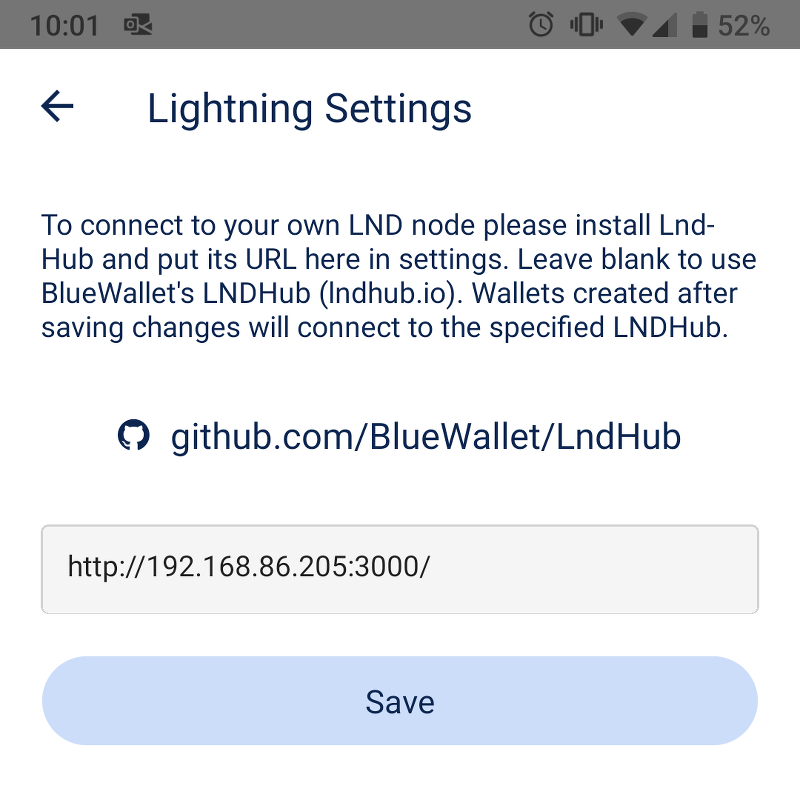
Any new wallets added to Blue Wallet will be tied to your MyNode device!