# Setting your LND Alias
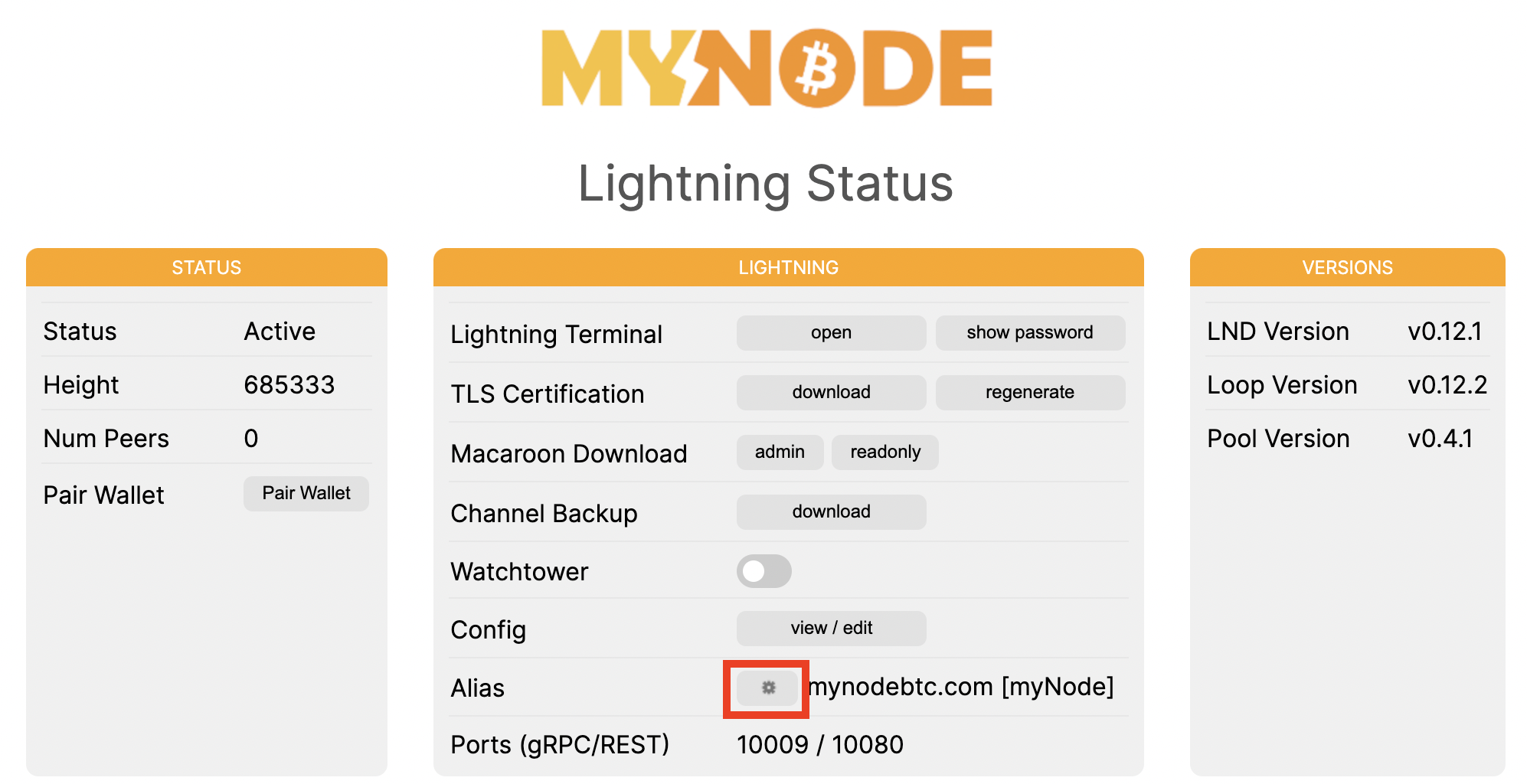
Every Lightning node has a name that can be configured. By default, each MyNode device uses the name "mynodebtc.com [MyNode]". To change this name first go to the LND page in the GUI and click the gear icon in the Alias box.
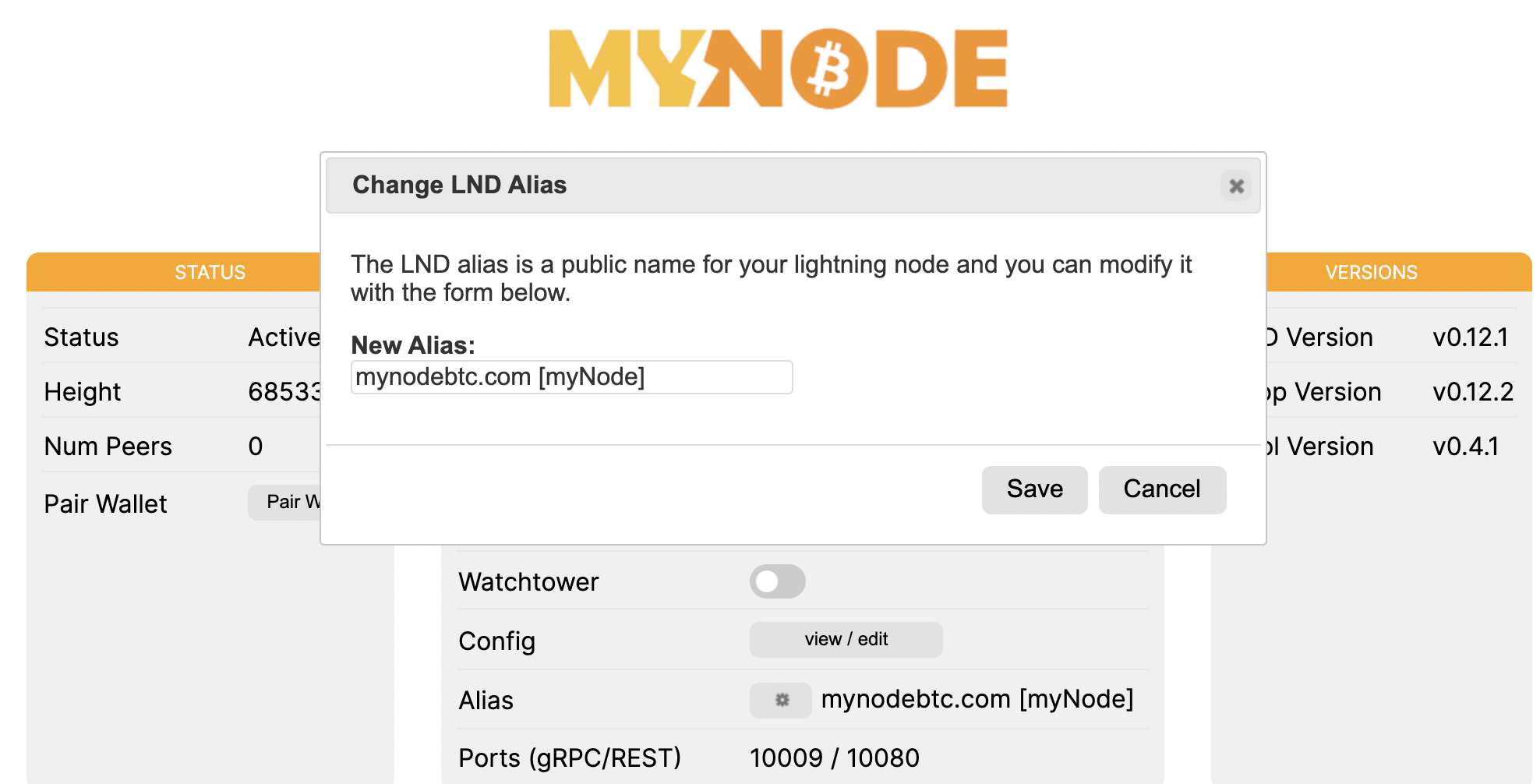
After clicking on the gear icon, you will be presented with a popup that allows you to change your node's alias. Enter the new alias and click Save. This will reboot your device and it will come with the new alias!