
# Create Lightning Wallet
To create a Lightning wallet on your MyNode, first, click on the "Lightning Wallet" button on the main MyNode page. Next click "Create Wallet" and you will be given a seed phrase.
This phrase is critical and anyone with this phrase has access to your wallet. Write this phrase down for a backup and do not share it with anyone!
Click "Continue" after you have written down your seed phrase.
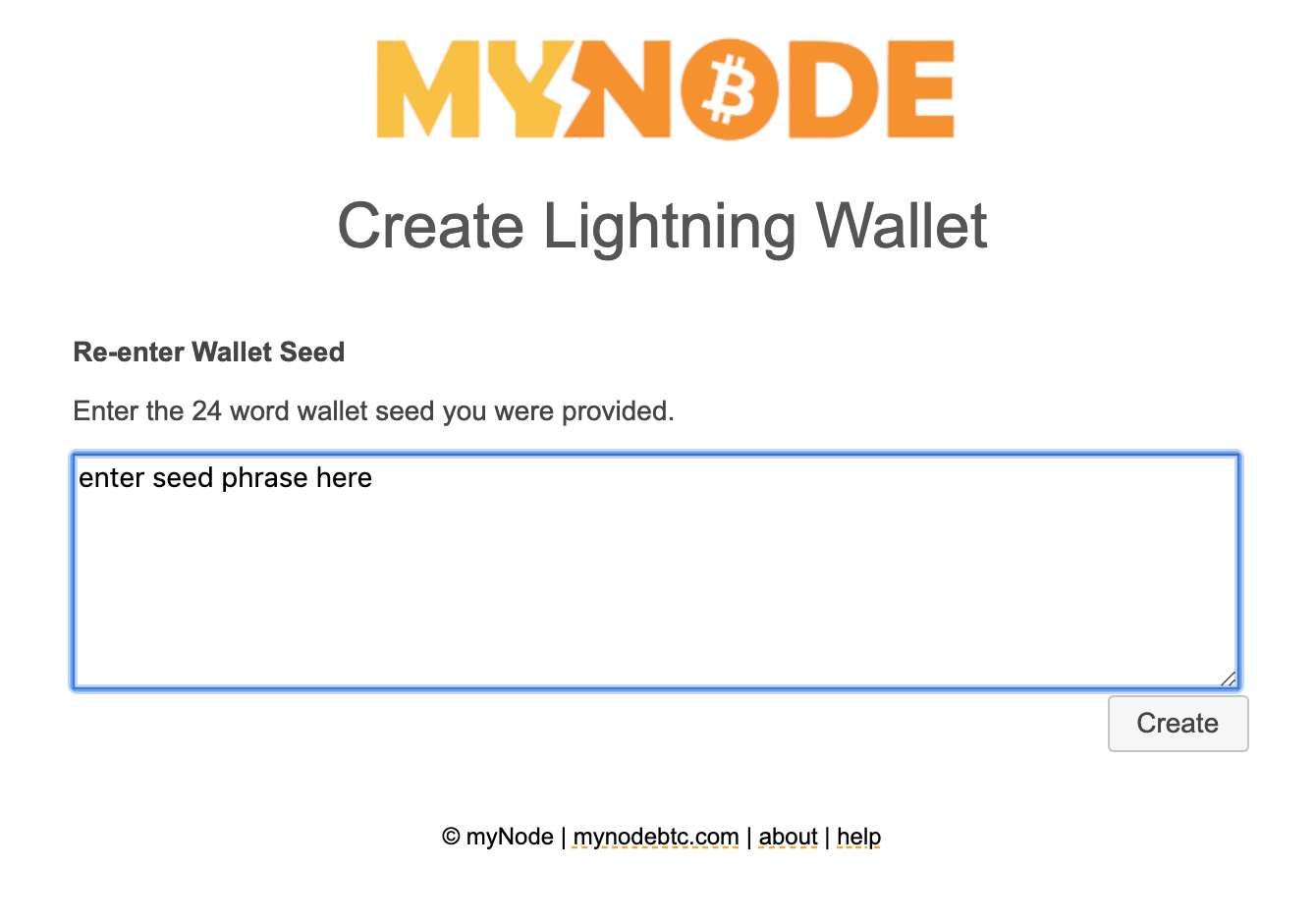
On the next page, re-enter your seed phrase to verify your backup has been created properly. Click "Create" to create your wallet!
If your phrase was correct, you will be sent back to the main Lightning page and your Lightning wallet will begin syncing and setting itself up. After a few minutes, the Lightning wallet should be ready and you should see a page like this.
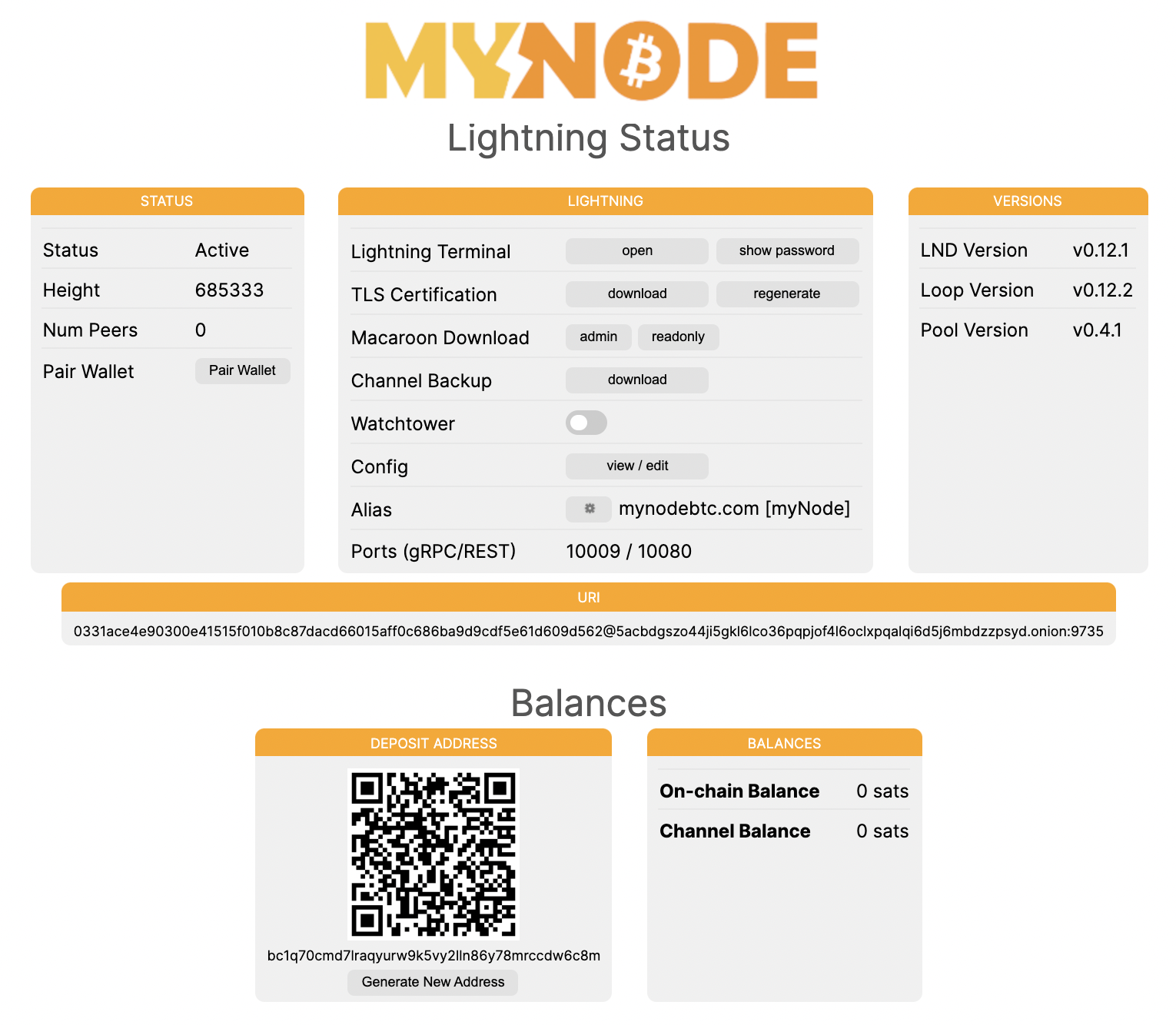
Your Lightning wallet is now setup and ready to use!
You can use your wallet via numerous interfaces. Check out the guides on look into RTL, Thunderhub, Blue Wallet and more!