
# Pairing Wallets
Various Lightning mobile apps can be paired with your node's Lightning instance. This allows the app to use the same channels and funds available on your MyNode. Wallet apps can be paired with QR Codes and URLs that make connecting apps to a Lightning node very easy.
First, make sure you have created a Lightning wallet and from the main MyNode home page, click on the QR icon under Lighting. A link is also available on the Lightning page.
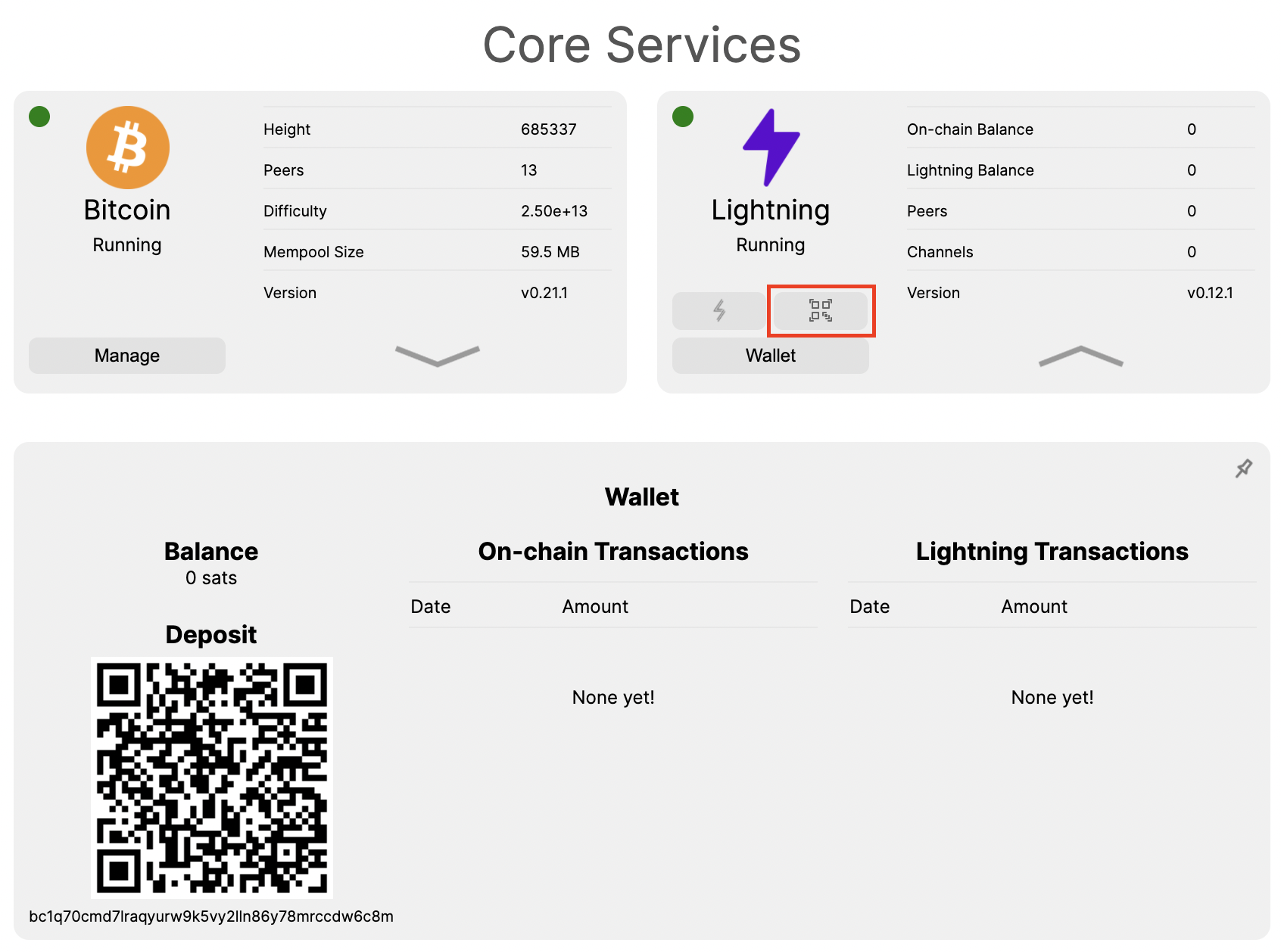
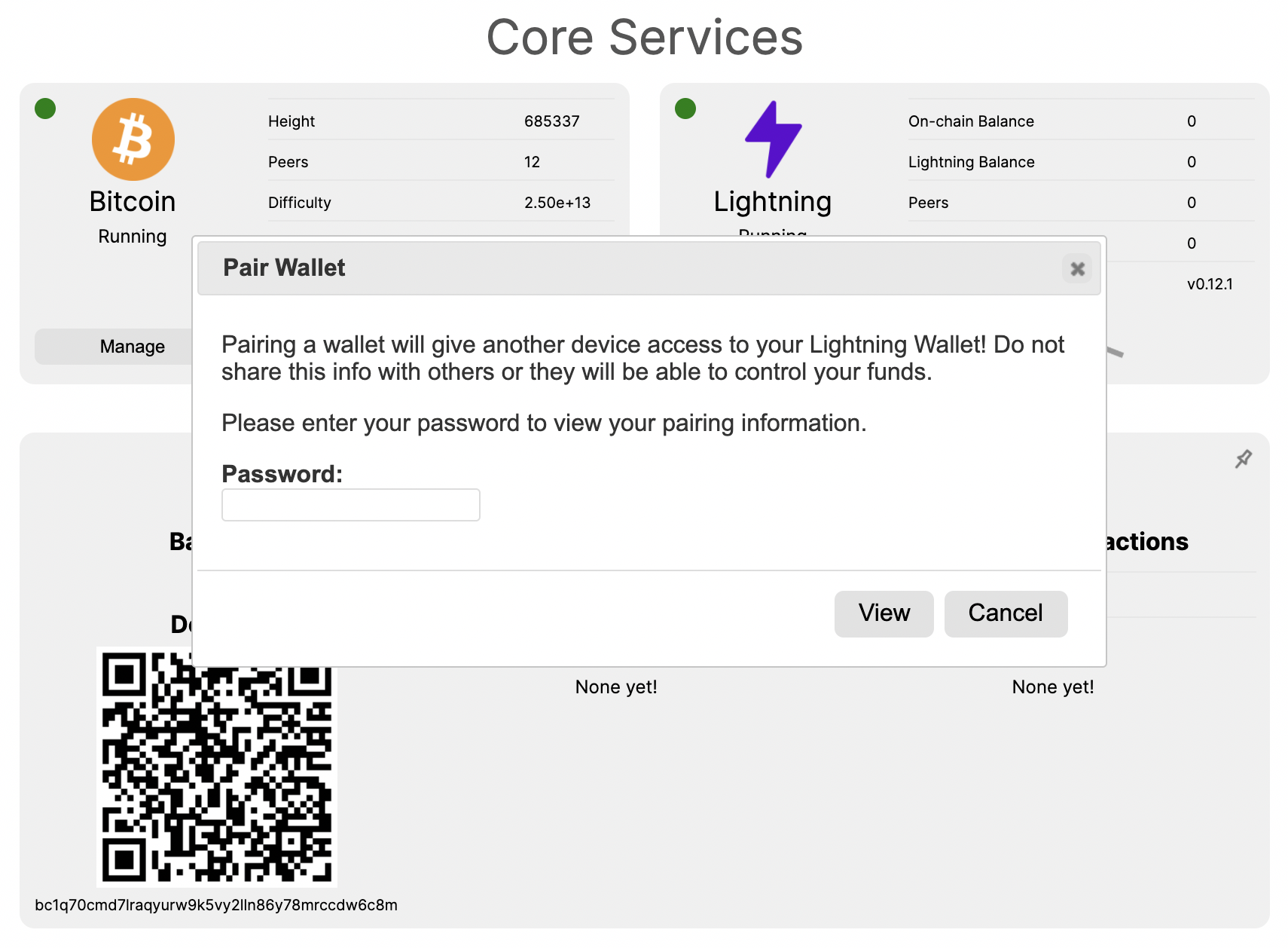
You will be prompted to enter your password. This prompt ensures you are securely accessing your device since anyone with your pairing codes can access your lighting wallet. Keep it secret!
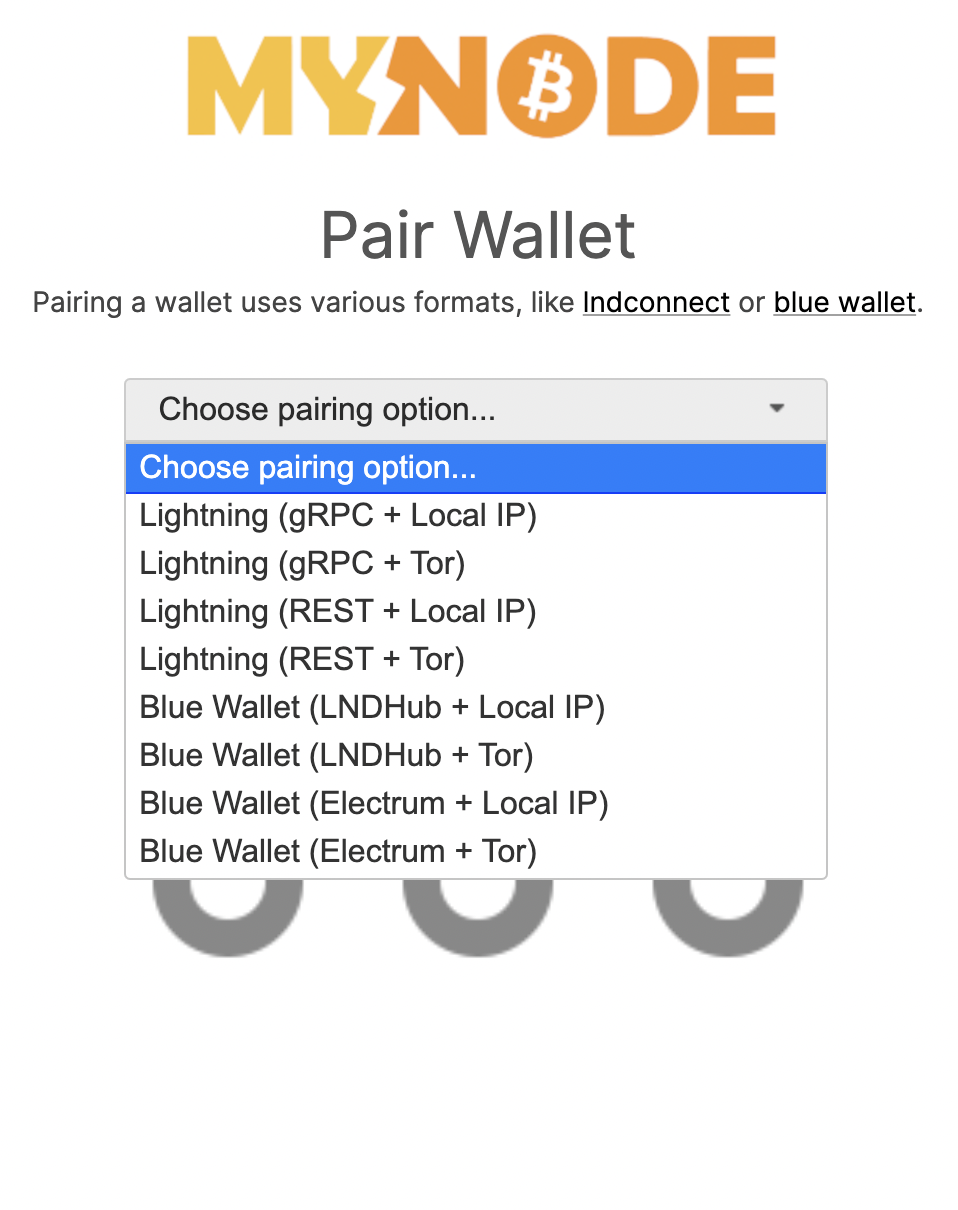
Once on the Pair Wallet page, you will see a drop down menu to choose a pairing option. After choosing an option, a QR code and a URL will appear. These can be used to easily connect your MyNode device to 3rd party Lightning wallets.
Have fun pairing your favorite lightning wallets!