
# Alby
Alby is your companion for bitcoin transactions on the web. Connect your MyNode wallet to the Alby Browser Extension and use Bitcoin & Nostr apps conveniently in a non-custodial way.
# Introduction
Alby is a browser extension to send and receive bitcoin payments with your normal browser on the Bitcoin Lightning Network with ease.
- set a budget for each website to conveniently spend, but not overspend
- connect an existing bitcoin lightning wallet or create a new one
- manage multiple lightning accounts in Alby
- log into bitcoin apps without passwords
- securely store you Nostr private key, log into Nostr apps and interact with other users
- fully open-source under the MIT license
- client side only; all data stays within your browser
Alby is an app from the community for the community. You can always view and contribute to the source code on: https://github.com/getAlby/lightning-browser-extension
Try it out!
# Using Alby with myNode
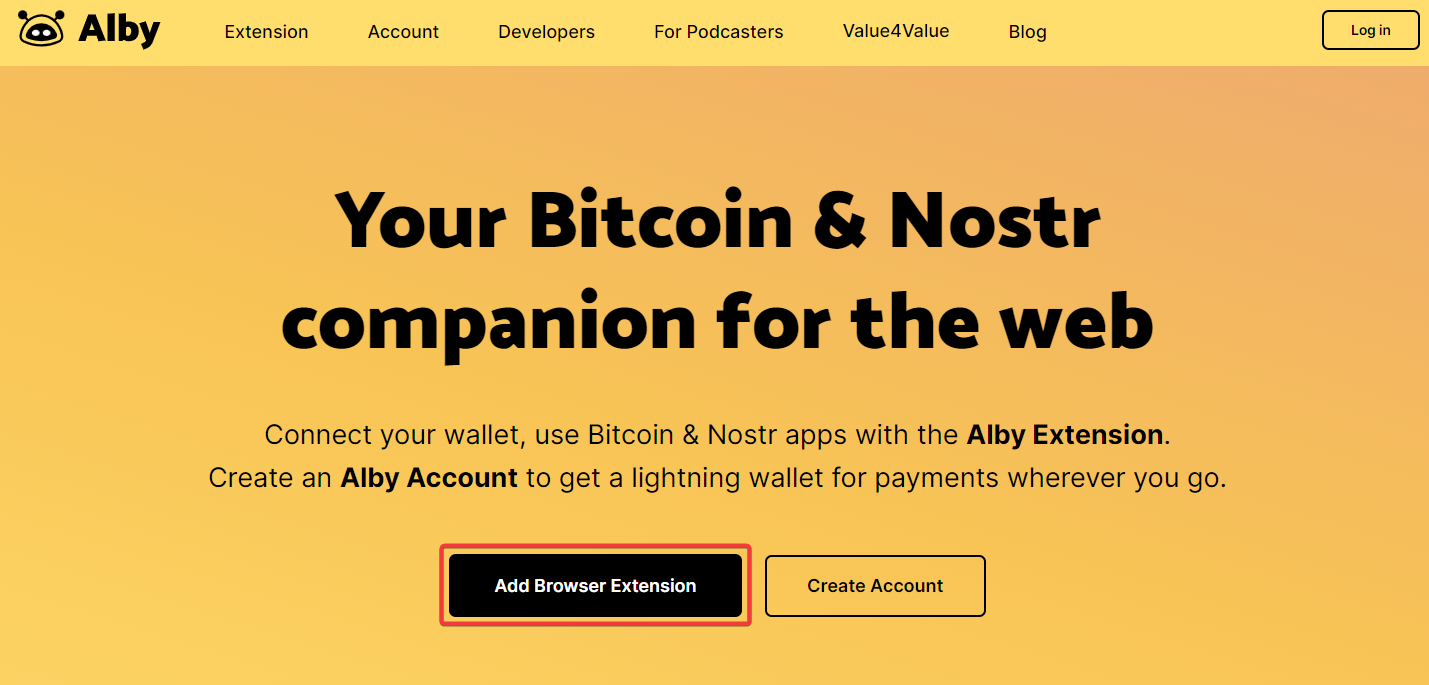
Install Alby by visiting getalby.com
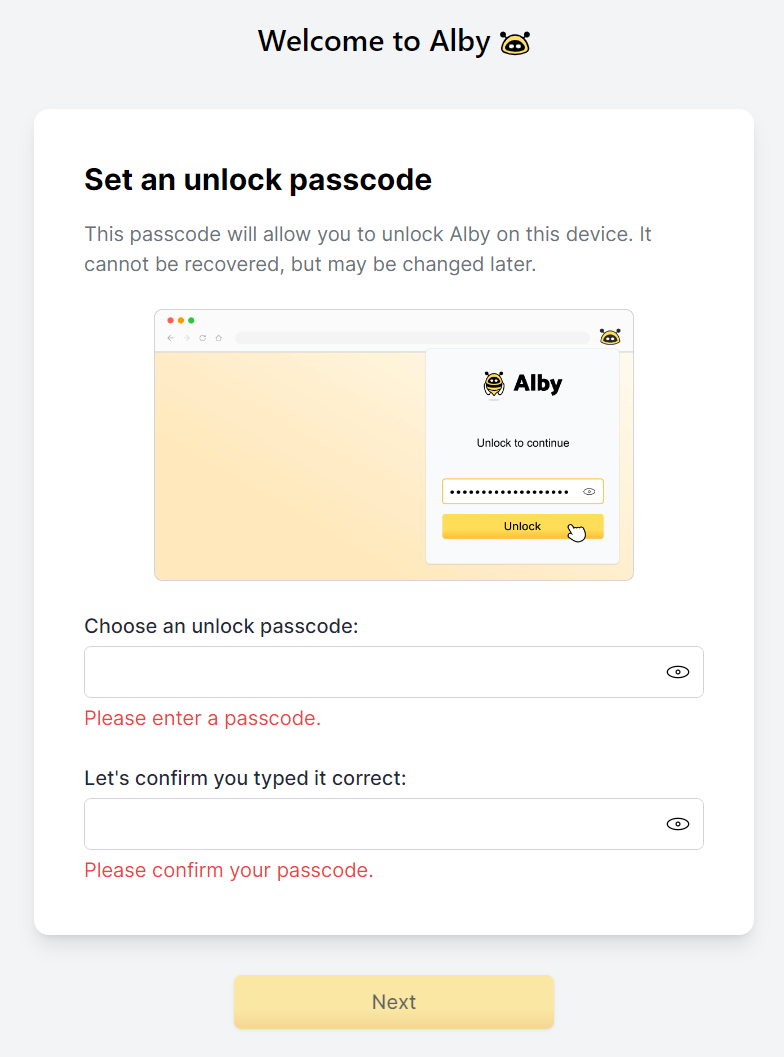
Set a passcode to protect accesss to the app
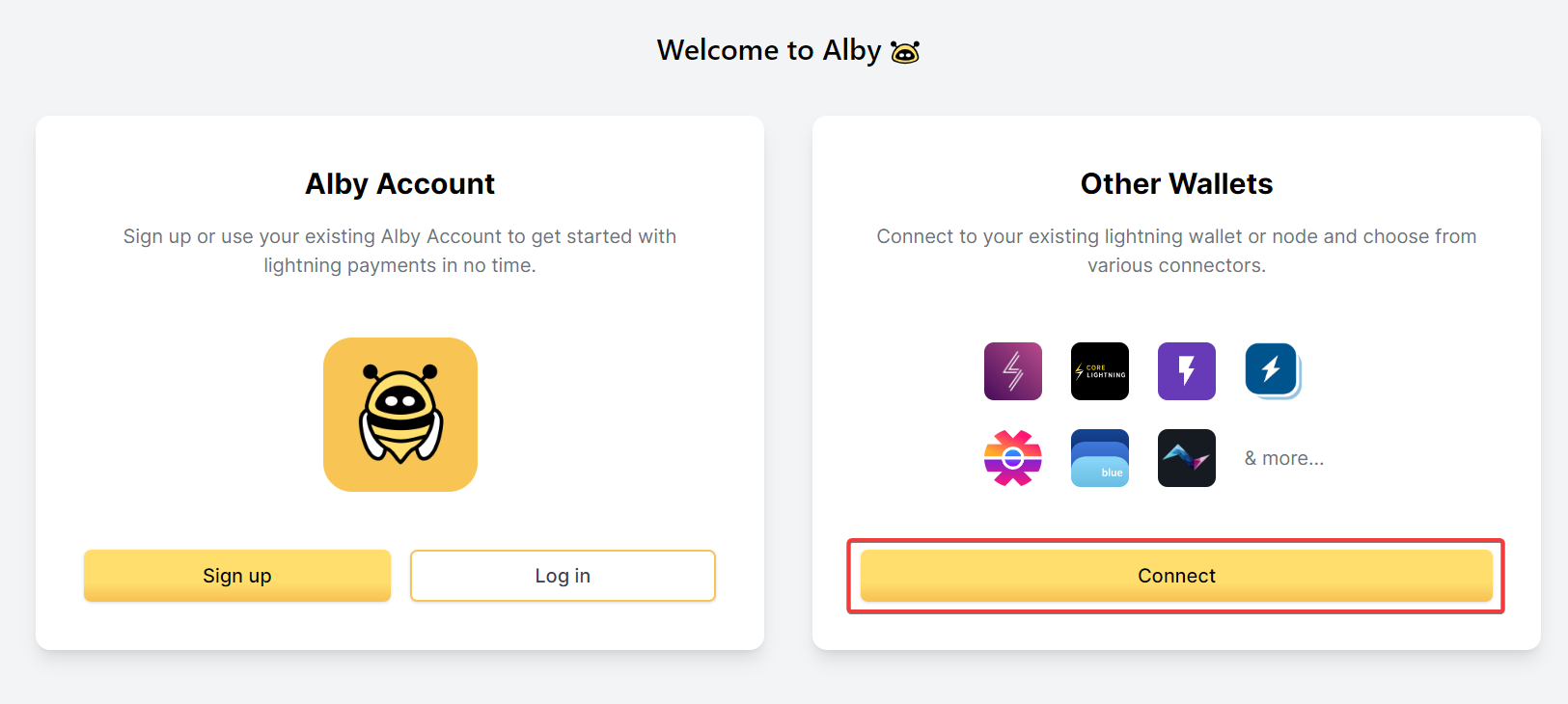
Click on "Connect" other wallet
Choose MyNode connector
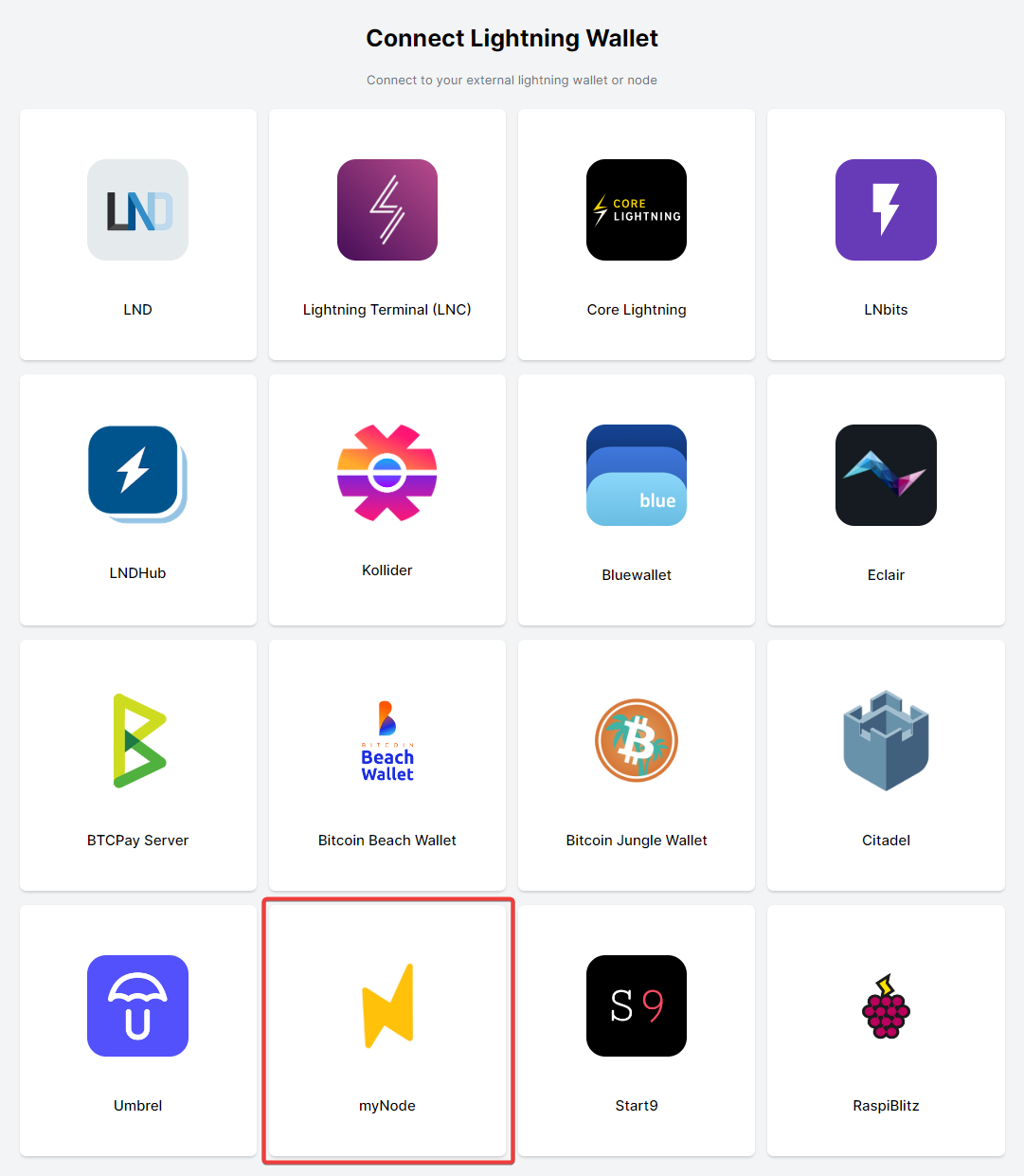
Select the node/option to connect
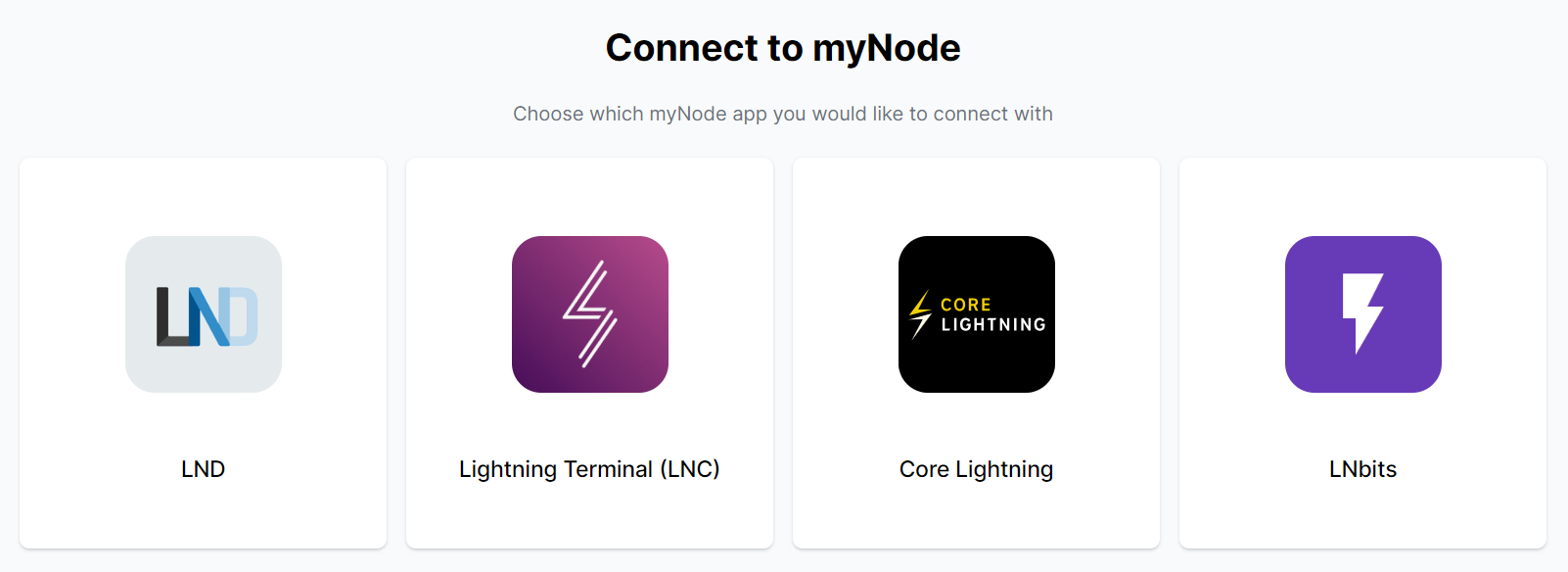
Follow the instruction displayed in the window.
Thanks for using Alby. If you cannot connect your MyNode have a look at Alby's guides (opens new window).