
# Customizing Bitcoin and LND Config
# Customizing your Bitcoin Configuration
MyNode generates much of the Bitcoin config automatically so it can easily communciate with other services on the device. However, you may want to tweak certain settings to control bandwidth, add specific peers, etc...
To do this, you can edit the config via the Bitcoin page in the MyNode UI.
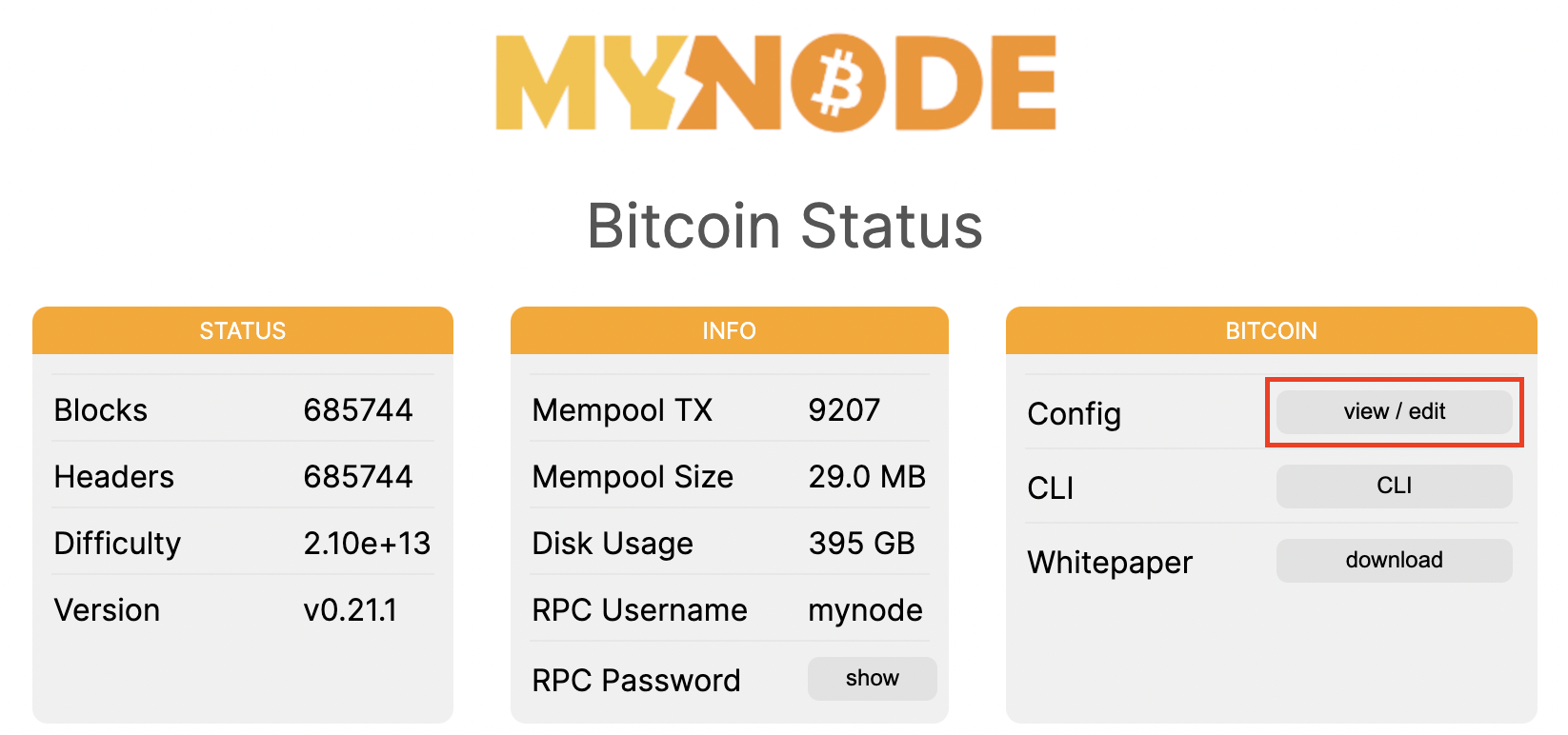
Make any changes you like and click save once you are complete. Saving will reboot the device.
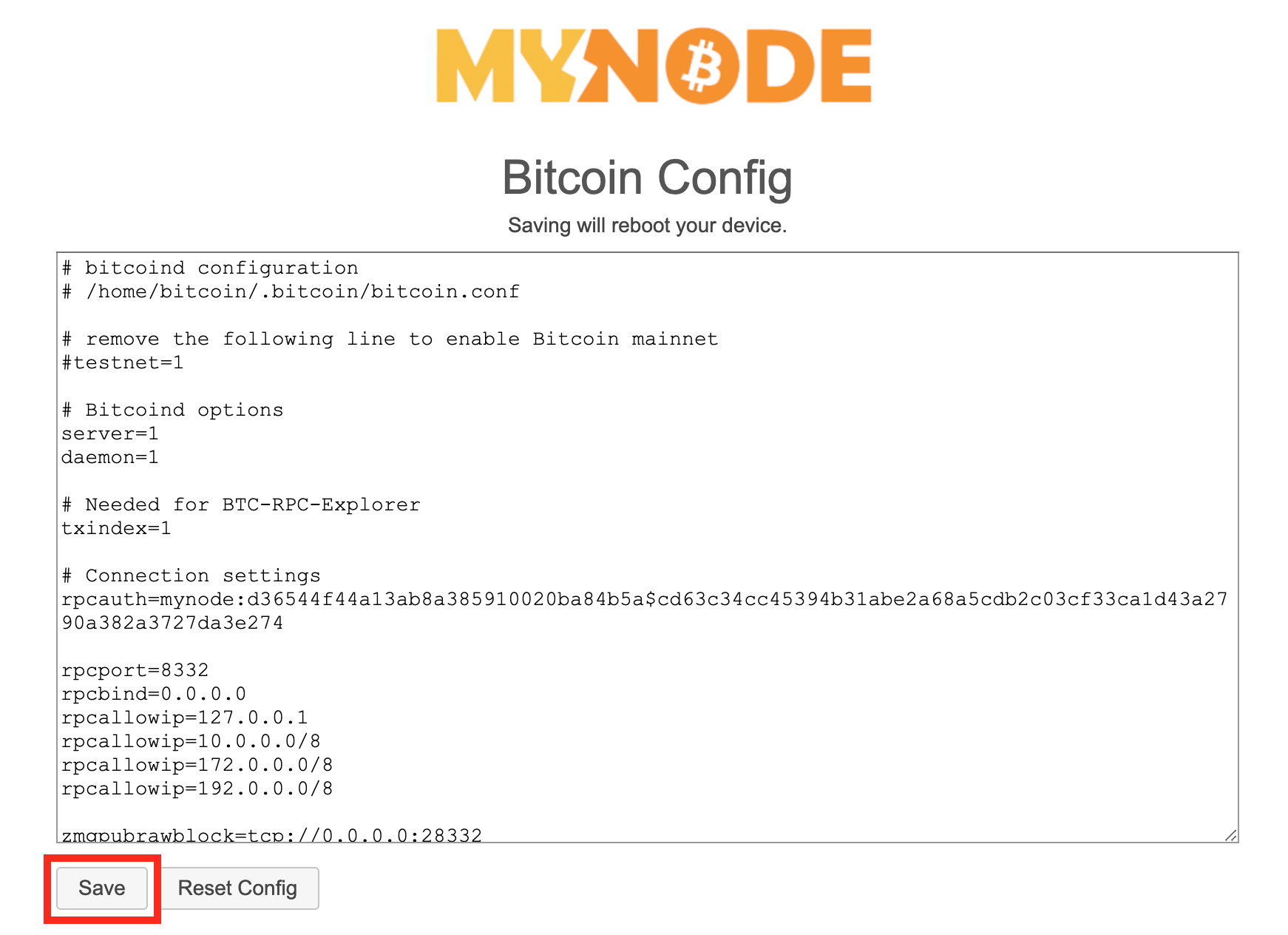
Once a custom config is used, any future updates to the default config will not be applied. To reset and use the default config, you will need to reset the config via "Reset Config" button.
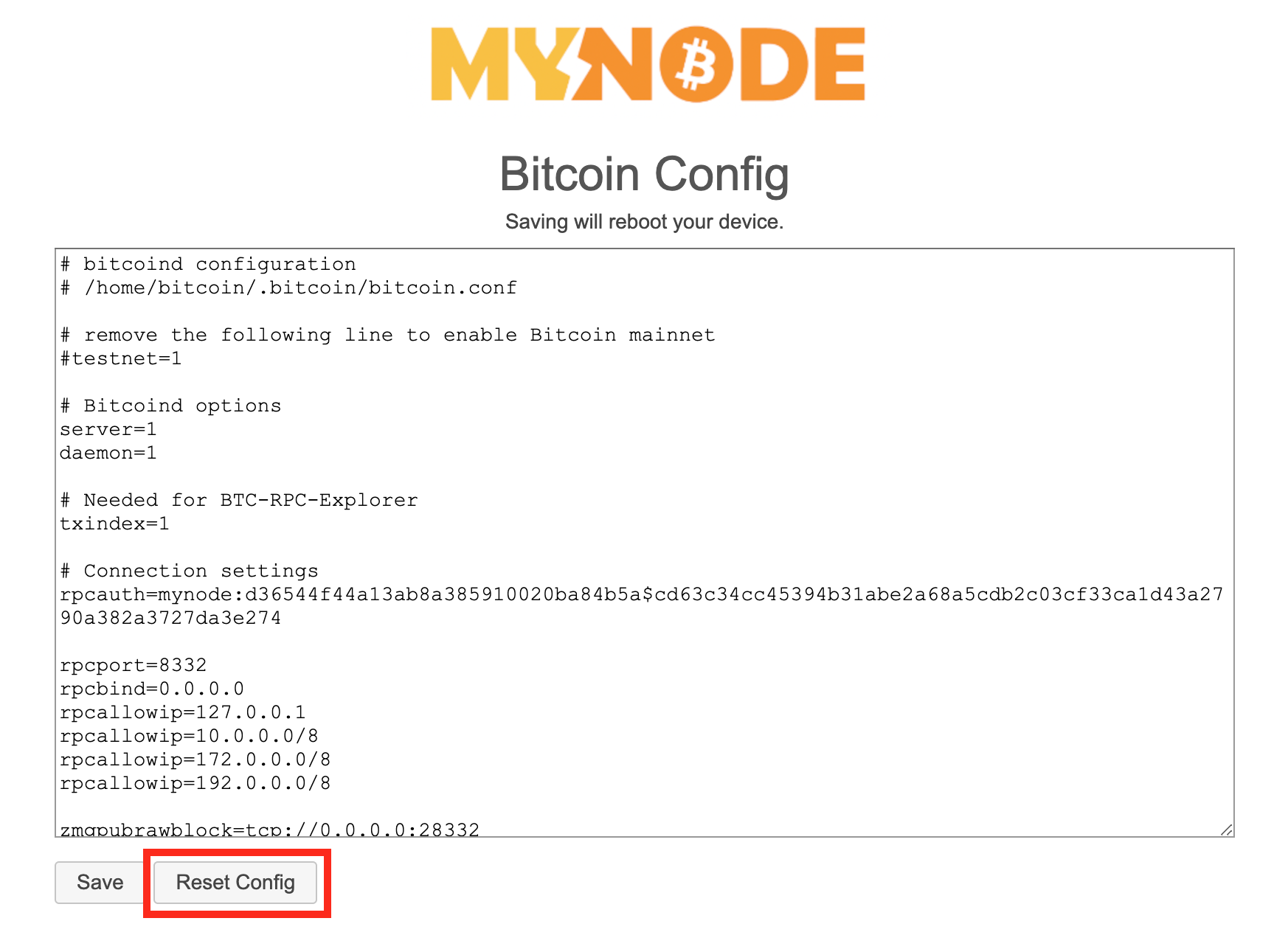
Once the file has been saved or reset, the new settings will be applied to your bitcoin.conf file, even between reboots and upgrades!
# Customizing the your LND Configuration
MyNode generates much of the LND config automatically so it can easily communciate with other services on the device. However, you may want to tweak certain settings to control bandwidth, peers, etc...
To do this, you can edit the config via the Lightning page in the MyNode UI.
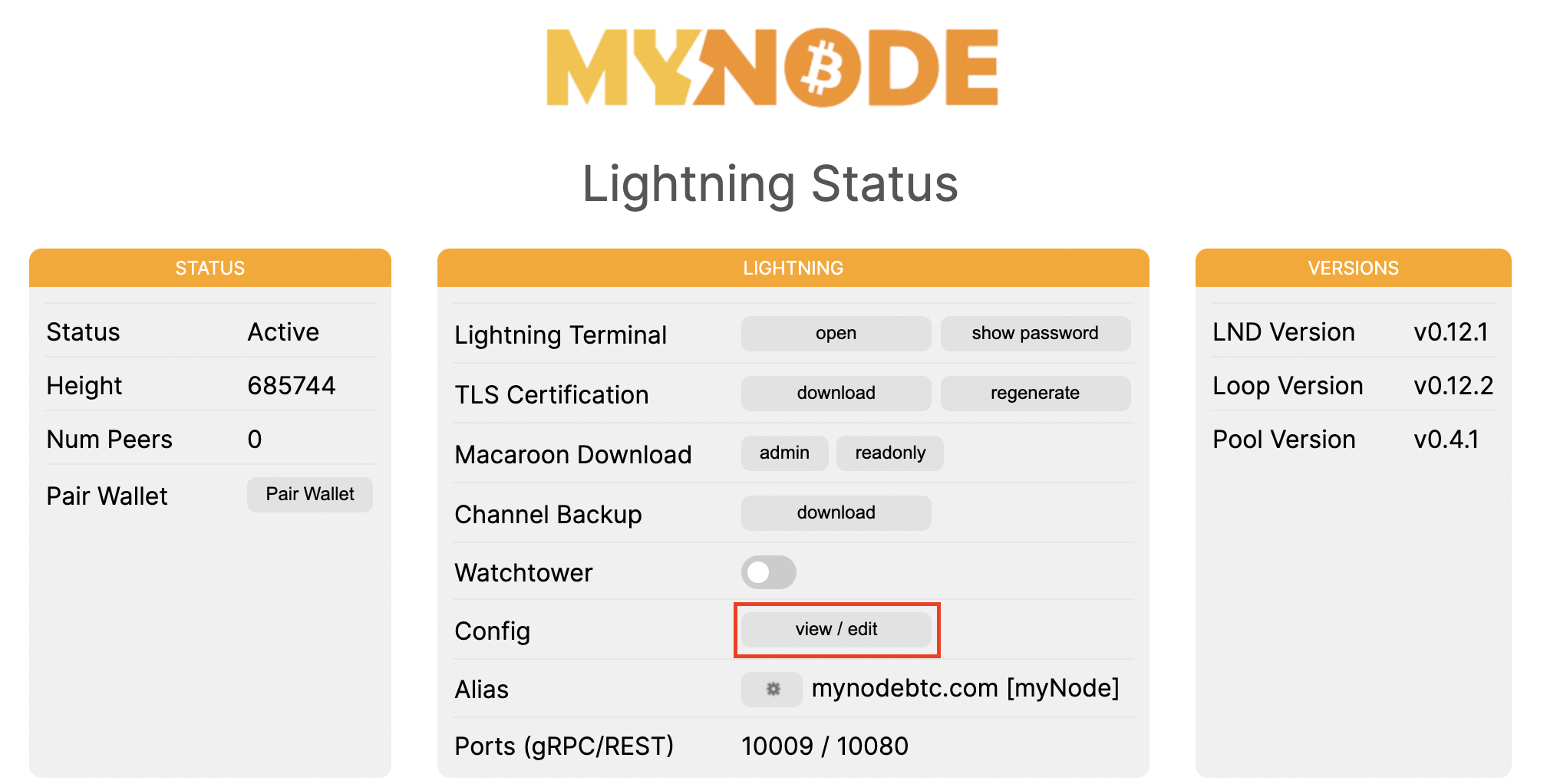
Make any changes you like and click save once you are complete. Saving will reboot the device.
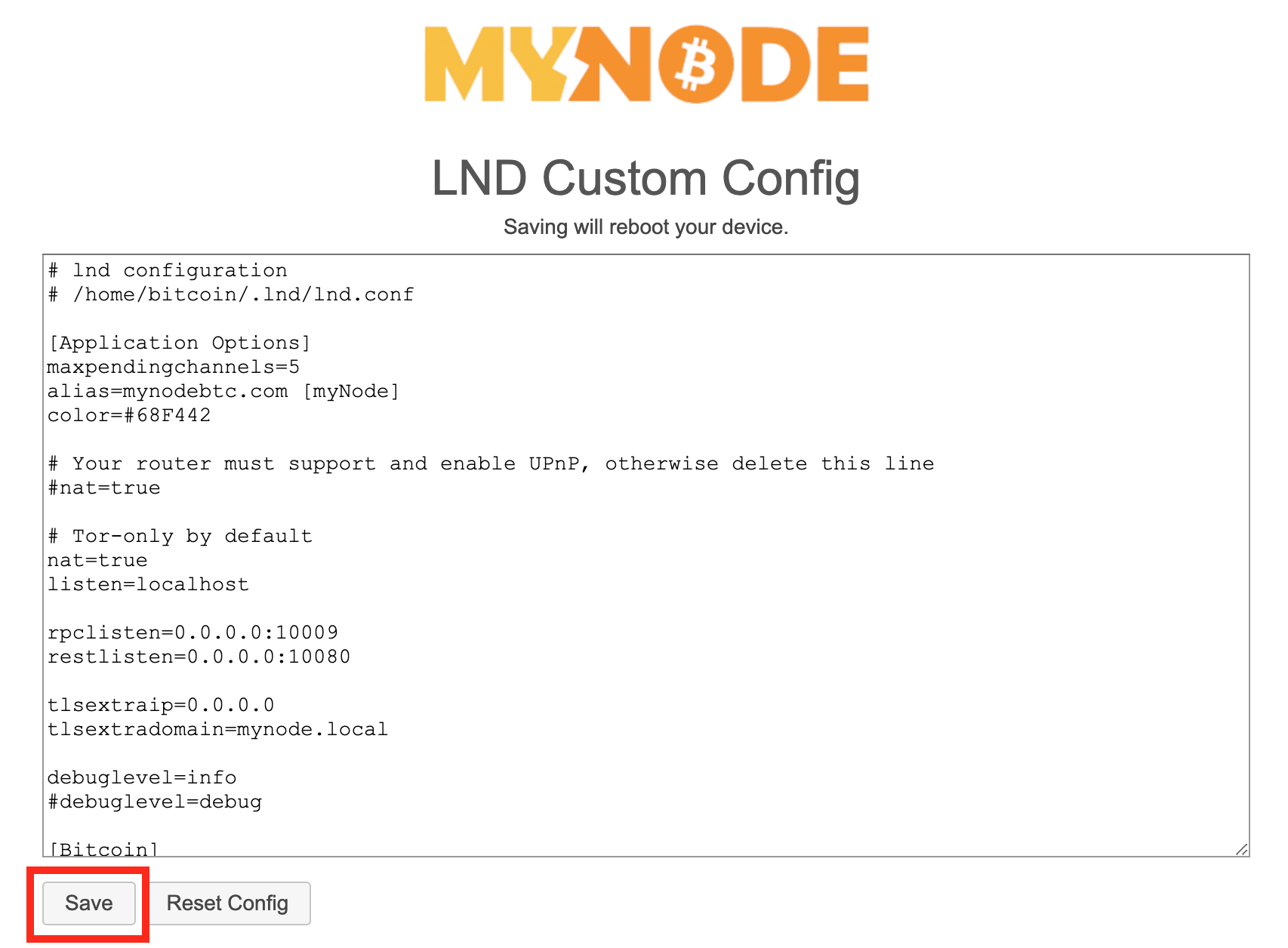
Once a custom config is used, any future updates to the default config will not be applied. To reset and use the default config, you will need to reset the config via "Reset Config" button.
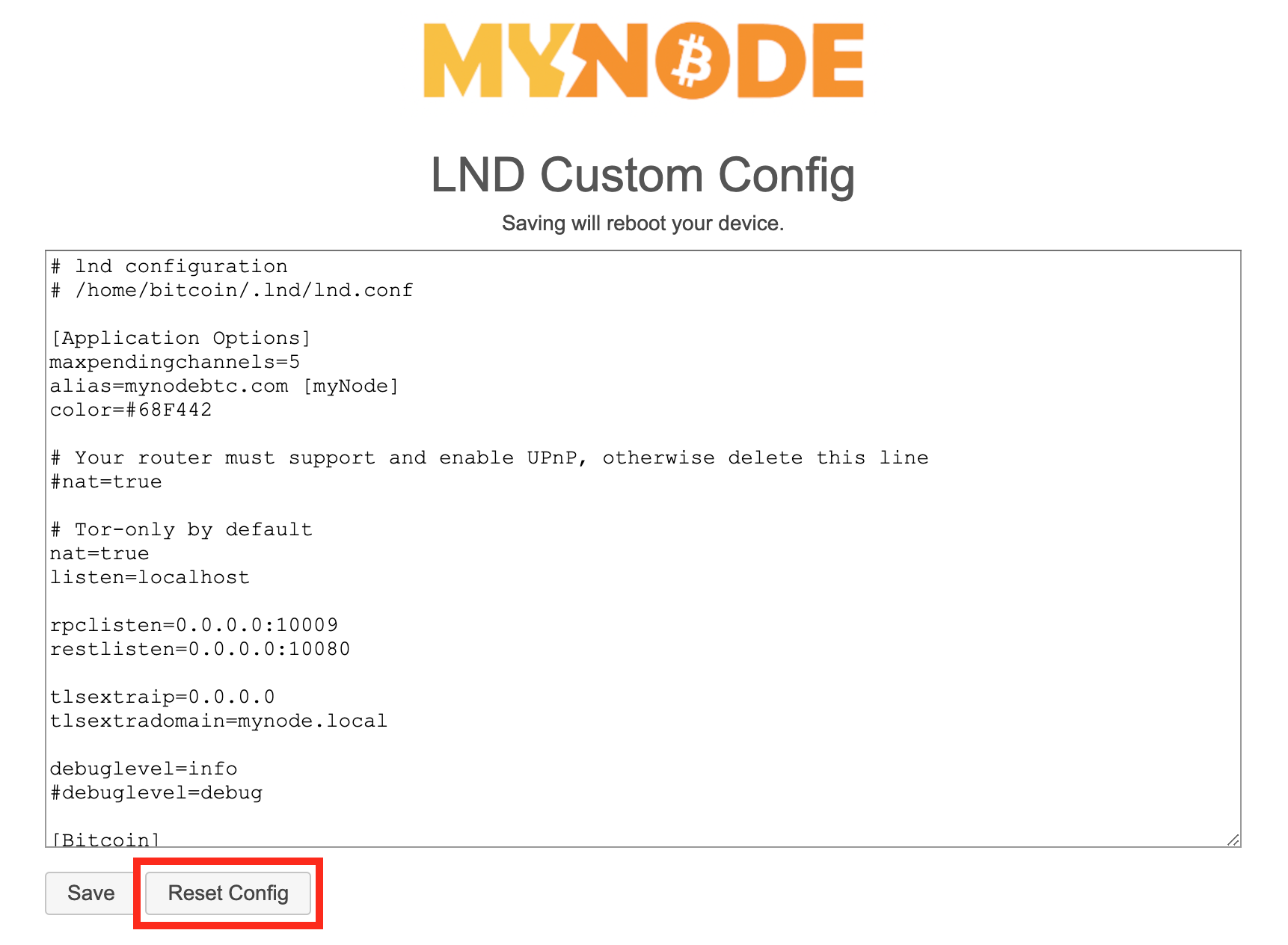
Once the file has been saved or reset, the new settings will be applied to your lnd.conf file, even between reboots and upgrades!