# Viewing Bitcoin Status
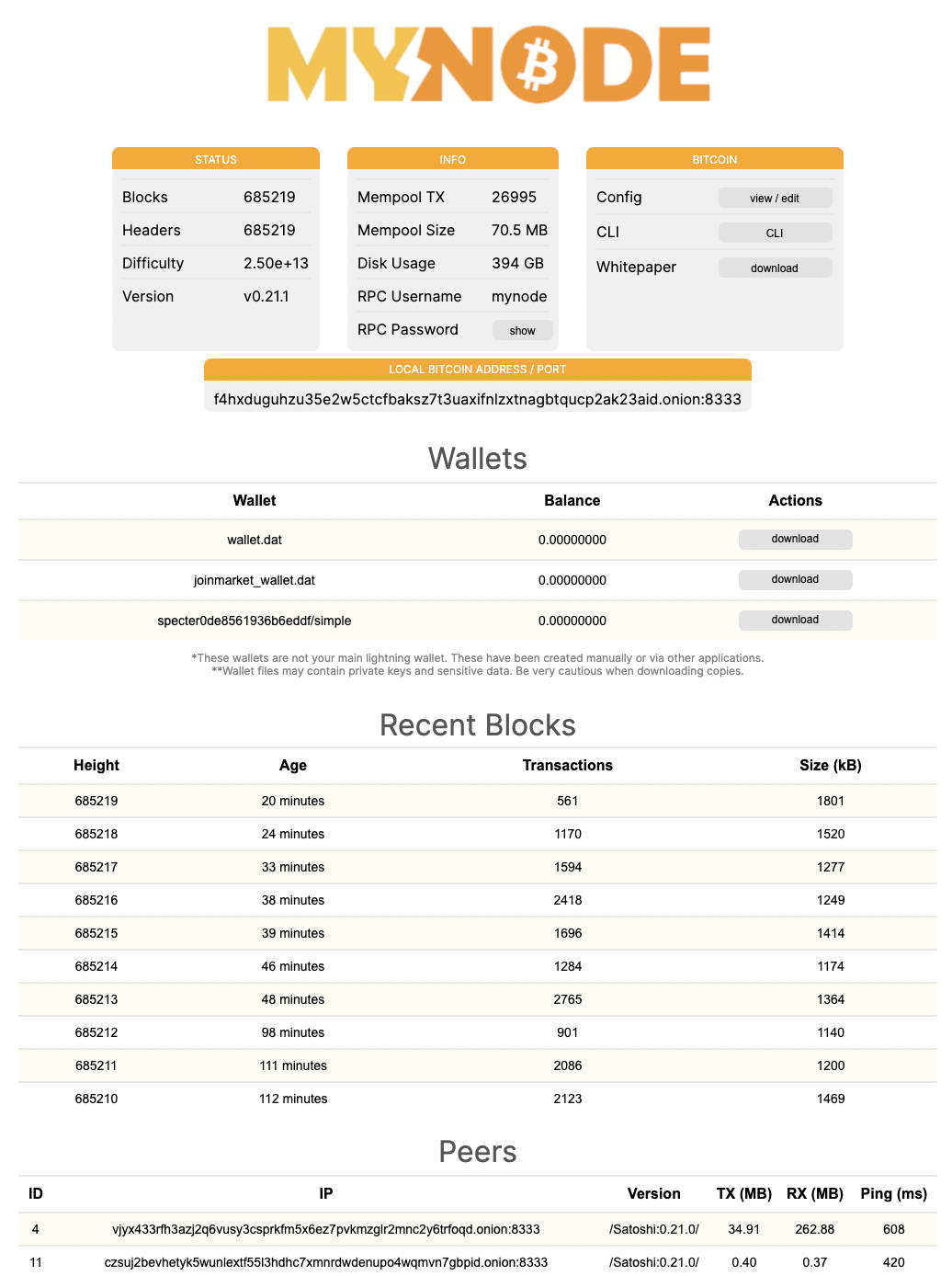
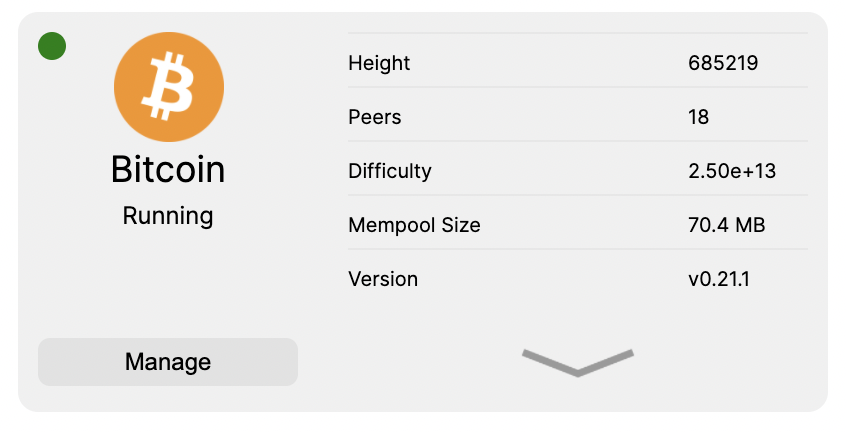
Bitcoin runs automatically when your MyNode device starts. It's often be helpful to view the status of bitcoind, the Bitcoin daemon. Several key pieces of information are displayed on the home page.
Click on the "Manage" button under Bitcoin on the home page to view the even more bitcoin information.
On the Bitcoin page, you can see the current state of the Bitcoin daemon which includes recent blocks, peers, version, mempool information, and more!