
# Upgrading your MyNode
There are two main options for upgrading your MyNode device.
# One Click Update
Premium Feature
The first and easiest option to upgrade your MyNode is to purchase MyNode Premium (included if you purchased a device). You can see all your options on the Order Now (opens new window) page.
Once running MyNode Premium follow these steps:
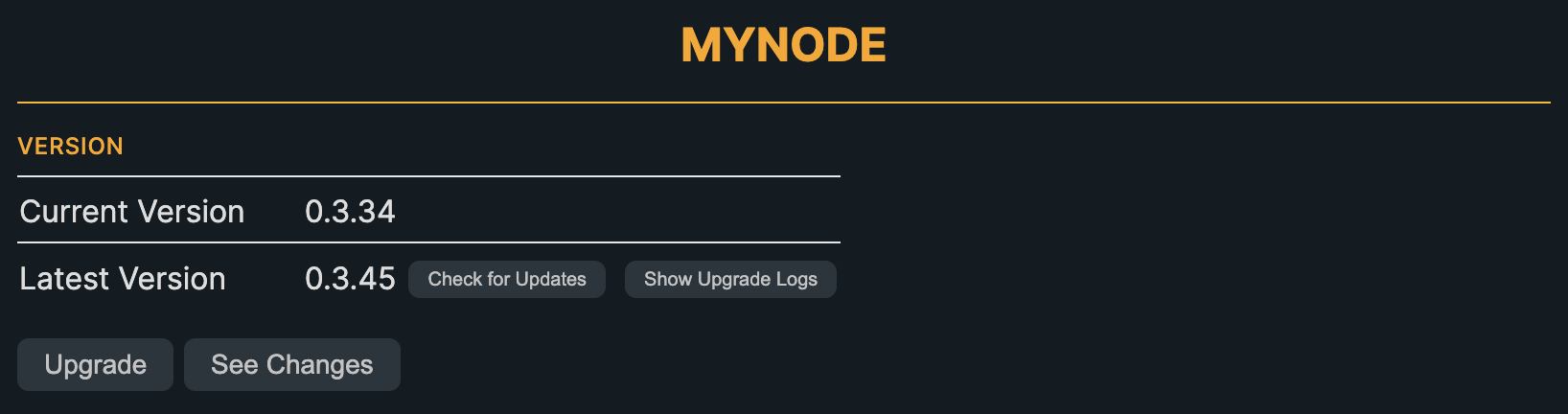
- Go to the settings page
- Click on the "Check for updates button" to make sure an update is available
- Click "Upgrade" and your device will automatically update to the latest version!
# Manual Upgrade
The second option is to upgrade manually via the Linux Terminal by running a couple commands. This can be done on MyNode Premium or on MyNode Community Edition.
Follow these steps to manually upgrade to the latest version:
- Open Terminal to Device:
- Connect to your MyNode Device (see options)
- Command:
ssh admin@[MyNode ip address] - Enter your password
- Command:
- Connect to your MyNode Device (see options)
- Run the commands to upgrade your device and reboot
- Run
sudo /usr/bin/mynode_upgrade.sh - Run
sudo mynode-reboot
- Run
- Your device will run the upgrade script and reboot.
- You are now running the latest version of MyNode software!